Introducing Apache Airflow® on Astro – an Azure Native ISV Service
Today, we're thrilled to introduce a groundbreaking development that promises to revolutionize the way Apache Airflow® and Azure users work. Astronomer has partnered with Microsoft to unveil **Apache Airflow® on Astro – an Azure Native ISV Service**. This integration seamlessly embeds Apache Airflow® into the Azure ecosystem and brings together the best of Apache Airflow® and the power of Azure. The result? A unified environment that offers ease of use, [scalability](/airflow/scalability/), and enterprise-grade security, resulting in mission-critical data pipelines that are both reliable and straightforward to manage. In this blog, we'll discuss the practical benefits of integrating Astro with Azure, emphasizing key features. Additionally, we'll provide a step-by-step guide to help you get started. ## Background [Astro](https://www.astronomer.io/product/) is a data orchestration product built around [Apache Airflow®](https://airflow.apache.org/) and developed by the team here at [Astronomer](https://www.astronomer.io/about-us/), which is a commercial steward of the Airflow project. We believe that Astro is the best place to run mission-critical data pipelines. Astro has allowed customers to run their Airflow environments on Azure [since 2022](https://www.astronomer.io/blog/astro-is-now-available-on-all-major-cloud-providers/) and we are pleased to announce that Astro is now available directly from the Azure Portal integrated as an Azure Native ISV Service. If you’re an Azure user and want to use Airflow then Astro is the best way to do it; you’ll even get up to $20 worth of credits to [get started](https://aka.ms/anis/astronomer/try). > **"Using Astro's Apache Airflow® offering on Azure has modernized our data operations. Their best-in-class SLAs, multi-environment deployments, and intuitive dashboards have streamlined our processes, ensuring we can manage our critical pipelines."** > > \- Kevin Schmidt, Sr Manager, Data Engineering at Molson Coors Beverage Company ## Unlocking Simplicity with Astro on Azure Organizations can now unify their data operations and streamline data orchestration with Astro's integration on Azure. This simplifies Apache Airflow® workflows, enabling businesses to innovate faster, enhance productivity, and manage costs more effectively. Azure users can easily create and deploy data pipelines without prior Airflow expertise. This translates to effortlessly managed Airflow, complete with developer-friendly features and reduced operational complexities. Astro also provides a seamless single sign-on experience, automatically configured through Azure. This eliminates the need for additional login credentials, ensuring a hassle-free and secure user experience. Furthermore, Astro integrates with Azure billing, appearing as a line item on your monthly statements. This Pay-as-you-Go model ensures you only pay for what you use, adapting dynamically to your evolving data needs. ## Better Together: Astro and Azure Through the integration of Astro with various Azure services, including Azure Data Factory, Azure AI, Azure Synapse Analytics, and Azure Data Explorer, you can effectively optimize your data operations, bolster business intelligence, and facilitate advanced AI application development. Beyond these essential features, Astro and Azure offer seamless connectivity for your data systems and applications with over 1500 integrations. This connectivity facilitates efficient workflow development by leveraging the Airflow ecosystem, providing access to Azure-compatible operators, hooks, and modules. This partnership simplifies the process of modernizing your data stack, making it a more accessible option for your organization. > **"As longtime users of Apache Airflow® and Azure, we're excited to be able to leverage the managed offering from the commercial stewards of the project natively on Azure. This allows us to focus on our data and Astro takes care of our data platform."** > > \- Wongyu Choi, Director of Engineering and Analytics at AHRI ## How to Get Started Getting started is easy, and we’ll walk through the steps:
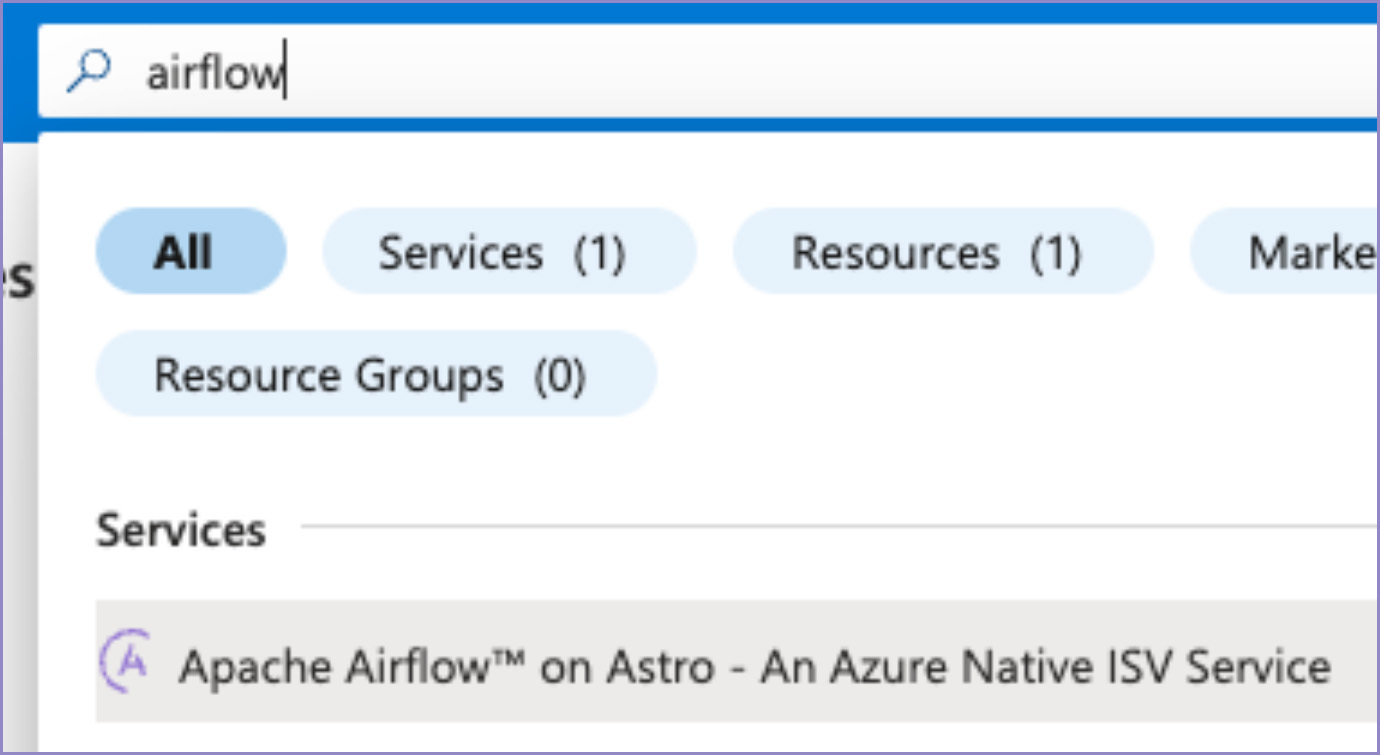
- Go to https://portal.azure.com and search for Airflow in the top search bar. You’ll see a service named Apache Airflow® on Astro - An Azure Native ISV Service which you can click on.
- Click "Create Astro Organization"

- In the following Create an Astro Organization screen there are a number of fields, many of which will look familiar if you are using other Azure services:
- Subscription: This is the Azure Subscription where any billing should be
- Resource Group: You can either use an existing resource group or create a new one. These are a good way to slice and dice usage within Azure Cost analysis.
- Resource Name: Objects in Azure are referred to as Resources and all have a name. A typical Resource Name could therefore be e.g. "astro-airflow".
- Region: This is the Region under which the Azure Resource is contained and is currently limited to East US. Please note that it is un-connected to the Azure region in which your Astro Airflow Deployments will be provisioned for which multiple Azure regions are supported.
- Astro Organization Name: This is typically the name of your company.
- Workspace Name: Astro supports multiple Workspaces which are a way of grouping and controlling access to Airflow Deployments by team. At least one Workspace is needed and here you name that initial one.
- Plan / Billing term / Price + Payment options / Subtotal: At launch, a single Monthly Pay-As-You-Go plan is available. You’ll only be billed for what you use, which is why the initial payment is shown as $0, and you will receive $300 worth of credits to get started. Your usage is measured according to the Pay As You Go pricing model and is sent to the Azure Marketplace hourly in $0.01 increments. If you’re interested in an Annual Commitment then please contact us.
- You can optionally add Azure Tags to the Resource, which can be used to track billing information, but, otherwise simply click Review + create and then Create to confirm.
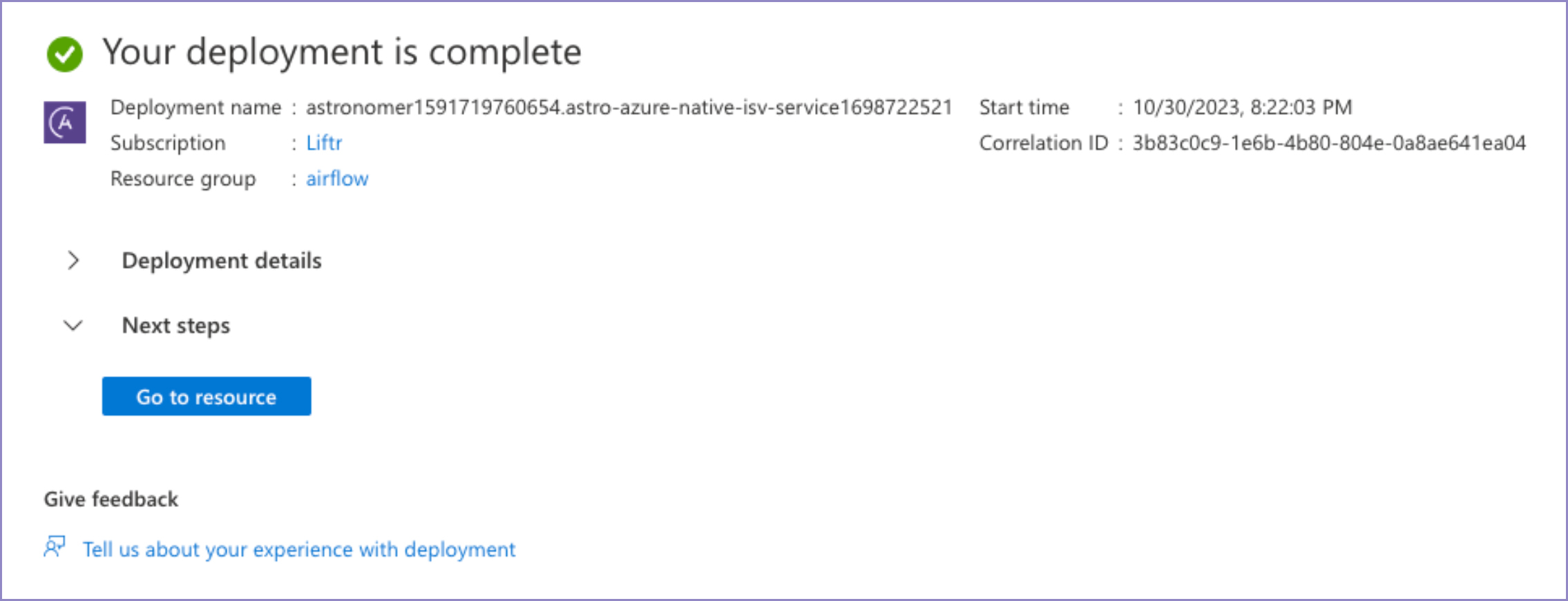
- Within a couple of minutes you’ll get a confirmation that your Resource has been successfully created; click the Go to resource button.
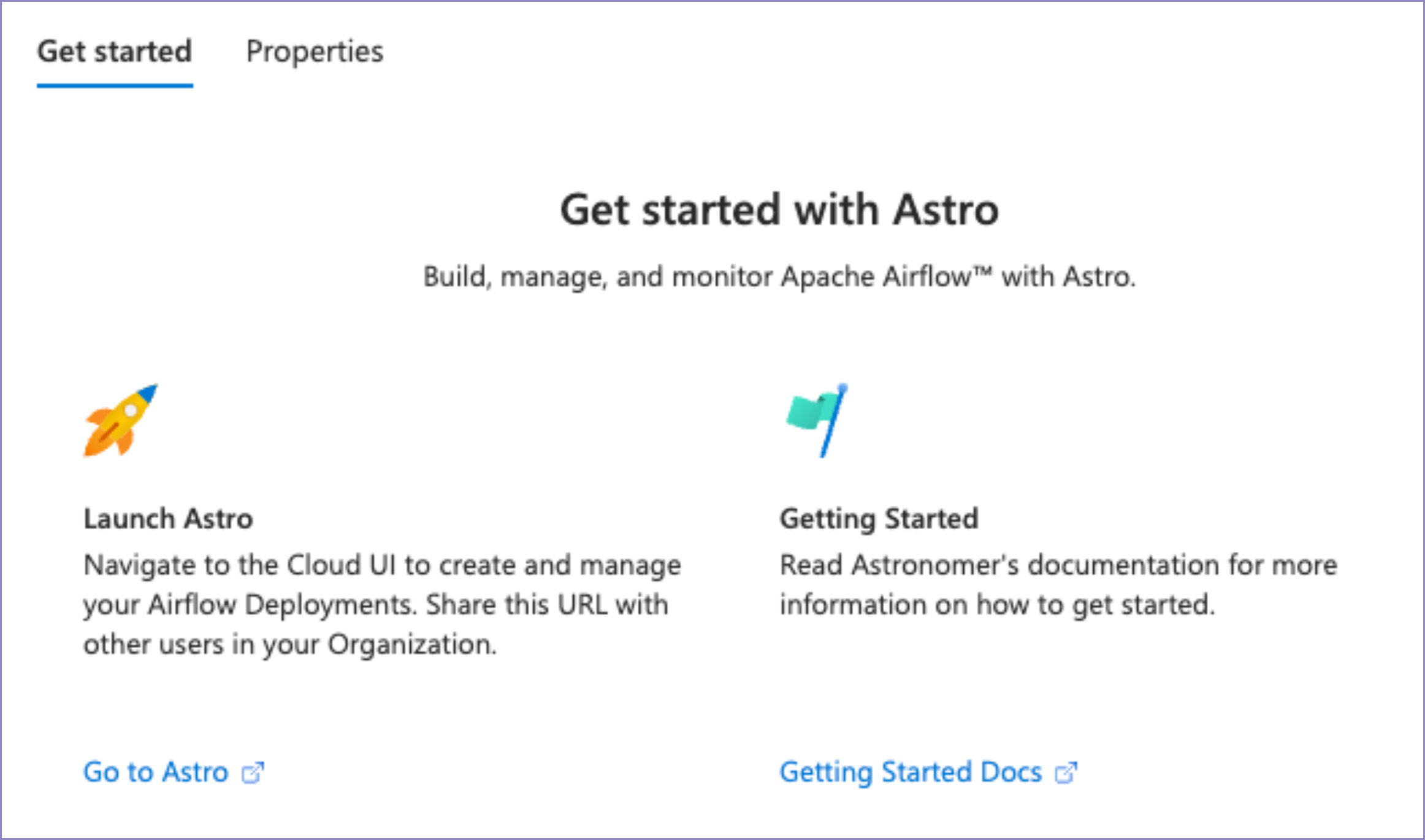
- This is the home of your Astro Organization Resource on Azure. From here, you can click Go to Astro to open Astro and start running Airflow DAGs! As part of the native integration, the sign-in to Astro is automatically configured via Azure, so no need to remember a new password or login method.
- You may want to copy and bookmark the SSO URL (which is the same as the Go to Astro link) and share it with other team members. This is a special URL that will take you straight to the Astro UI and will log you in via Microsoft Entra ID. Alternatively, if you attempt to login at https://cloud.astronomer.io by entering your Azure email, you will be redirected to login via Azure.
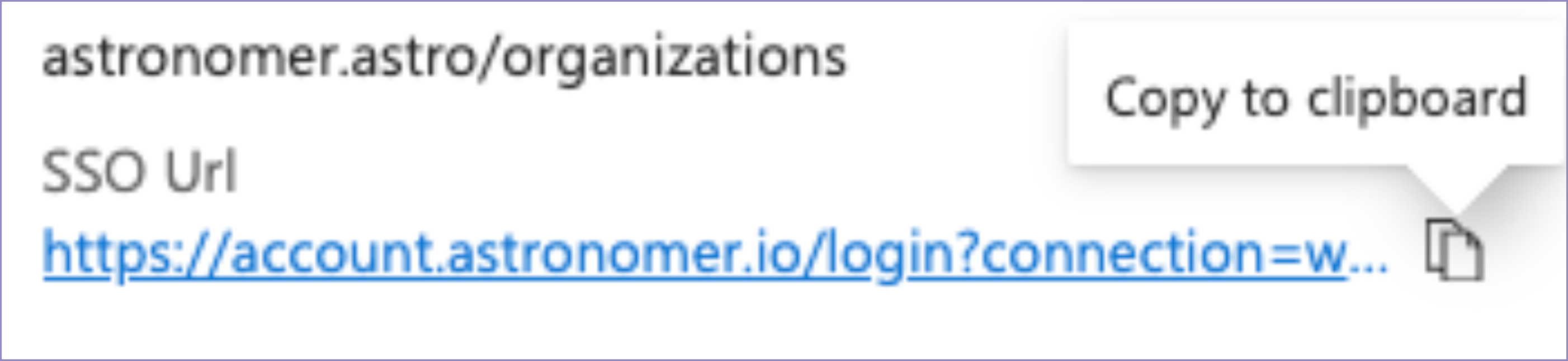
- You may want to copy and bookmark the SSO URL (which is the same as the Go to Astro link) and share it with other team members. This is a special URL that will take you straight to the Astro UI and will log you in via Microsoft Entra ID. Alternatively, if you attempt to login at https://cloud.astronomer.io by entering your Azure email, you will be redirected to login via Azure.
- Other users in your company will be able to login using the same SSO URL or by entering their Azure login email address at https://cloud.astronomer.io. You can easily add newly signed in users to your existing Workspace, or create additional Workspaces if they’re part of a team that should have separate access. You can even configure System for Cross-Domain Identity Management (SCIM) with Microsoft Entra ID (formerly Azure AD) to automatically create and manage Astro users in appropriate Teams and Workspaces based on your Azure roles.

Get started free.
OR
API Access
Alerting
SAML-Based SSO
Airflow AI Assistant
Deployment Rollbacks
Audit Logging
By proceeding you agree to our Privacy Policy, our Website Terms and to receive emails from Astronomer.