

The Software UI allows you to view and search Airflow logs emitted by your webserver, scheduler, triggerer, worker(s), and git-sync Pods for any Deployment you have access to.
This view gives you access to Deployment logs that help you monitor the health of your Deployment’s Airflow components.
A few use cases:
astro dev deployThese are not task-level logs that you can find in the Airflow Web UI. Logs on Astronomer are not a replacement for task-level logging in the Airflow UI.
To view logs on Astronomer, you need:
To view Airflow logs, log into Astronomer and navigate to: Deployment > Logs.
Depending on your Software configuration, you might have different logging views available to you. If a view is not available, it means you do not have that functionality configured.
In the menu, you can change views of logs for your:
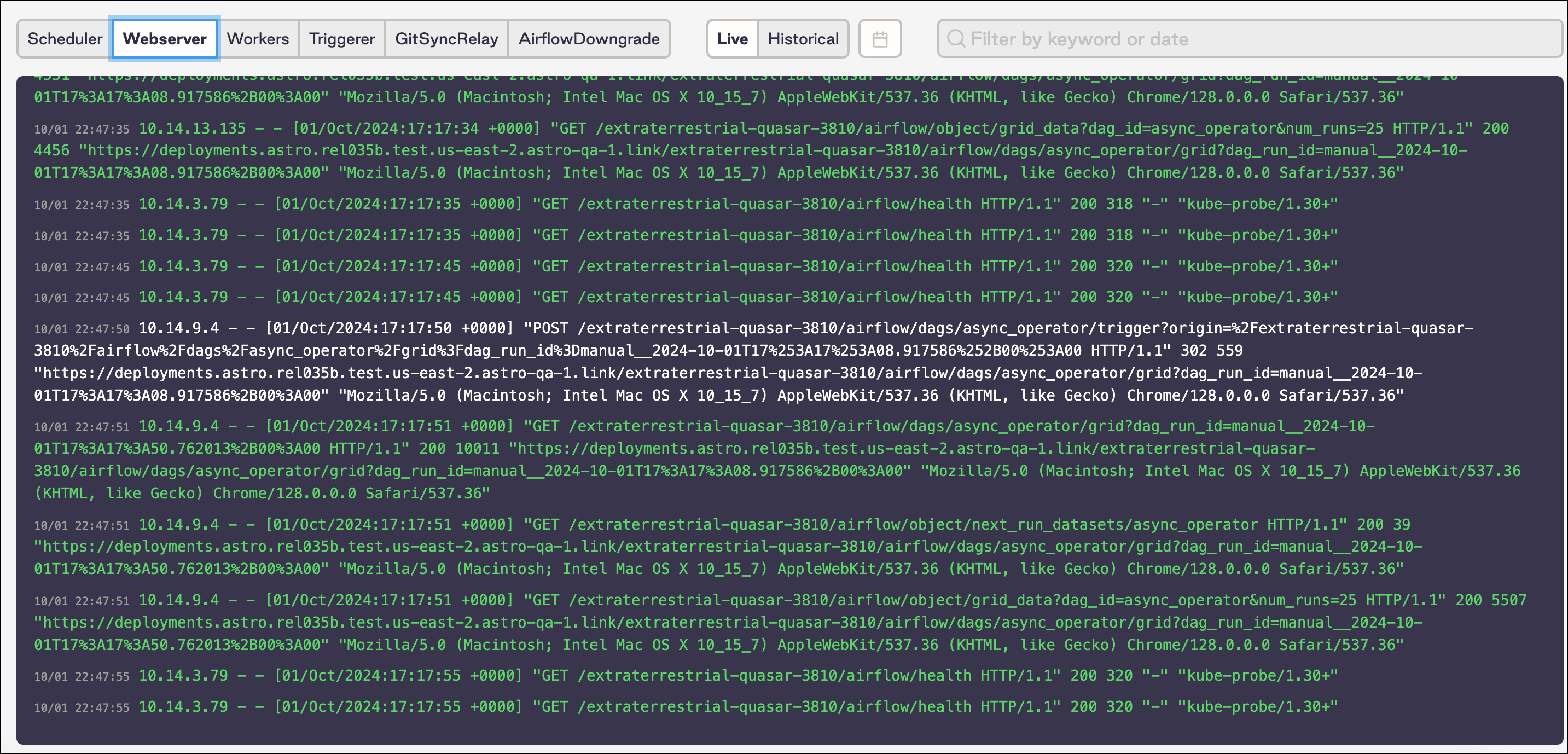
As you manage logs, you can filter by:
To adjust this filter, toggle the top right menu.
On Astronomer, you can search for logs with a text string or date.
